IPTV FAQ: subscriptions, devices, installation and support
This IPTV FAQ answers the questions our customers ask most. Can’t find yours? Contact us any time.
IPTV FAQ: subscription and packages
What is included in an IPTV4K CLUB subscription?
Live channels in SD, HD, Full HD and 4K, a large library of films and series on demand, a full TV guide (EPG), free updates and 24/7 support.
What is the difference between Basic and VIP?
Basic includes 21,000+ channels and 122,000+ titles on demand. VIP includes 50,000+ channels, 230,000+ titles and priority support.
Which durations are available?
You can subscribe for 1, 3, 6 or 12 months. Longer plans have a lower price per month.
Devices and compatibility
Which devices are supported?
Smart TVs (Samsung, LG and others), Android TV and Google TV, Amazon Fire TV, Apple TV, Android phones and tablets, iPhone and iPad, Windows and Mac computers, and MAG, Formuler and Enigma2 boxes.
Can I watch on several devices?
Yes. Choose 1 to 5 devices when you order. Each device can watch at the same time.
Does it work on Roku?
Roku does not offer a general IPTV player. We recommend a Fire TV Stick or an Android TV device instead.
Installation and activation
How do I install IPTV?
Install a player app on your device, then sign in with the details from our welcome email. Our devices page has step-by-step guides.
How long does activation take?
Most orders are activated within minutes. In busy periods it can take a little longer; we email you as soon as your account is ready.
Payment and account
Which payment methods can I use?
We confirm the payment methods available in your country when you place your order through our order form.
Does my plan renew automatically?
No. Your plan ends at the end of the period you paid for, and you decide whether to renew.
Can I change my plan or number of devices?
Yes. Contact us and we will upgrade your plan and credit the remaining time.
Support and troubleshooting
The picture is buffering. What can I do?
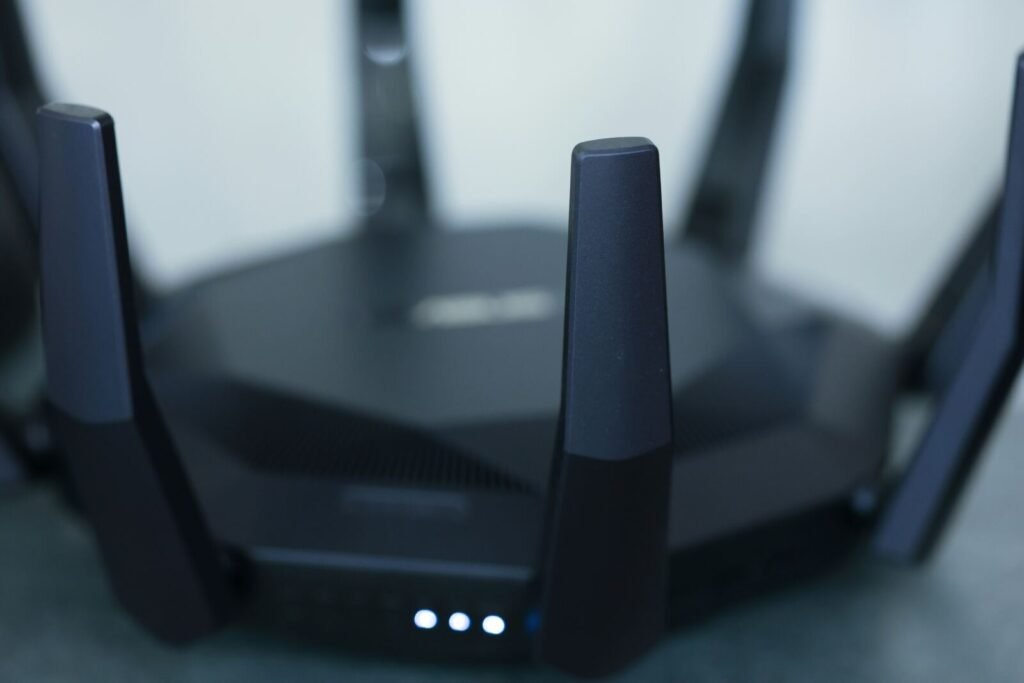
Restart your device and router, use a wired connection or 5 GHz Wi-Fi, and close other streaming apps. If it continues, contact support and we will check your line.
The app says my login failed.
Check the server address, username and password for typing errors; they are case-sensitive. If the problem continues, contact us.
How do I reach support?
Use our contact form or email contact@iptv4kclub.com. We answer 24/7.
Refunds
Do you offer a money-back guarantee?
Yes. If the service cannot work on your device and our support cannot fix it, you can request a refund under the conditions in our refund policy.
IPTV FAQ: getting the most from your subscription
These answers cover the practical questions customers ask after their first week, from picture quality to changing devices.
Why does the picture quality change sometimes?
Most player apps adapt quality to your connection. If your Wi-Fi signal drops or another device is downloading, the app may lower the quality for a moment to avoid buffering. A cable connection or a closer router keeps quality steady.
How do I update the channel list and TV guide?
Open your player app settings and choose to refresh or update the playlist and EPG. Many apps can do this automatically every time they start.
Can I move my subscription to a new device?
Yes. Install the player on the new device and sign in with the same details. If your plan includes one device, log out of the old one first.


A player app asks for an activation fee. Is that you?
No. Some third-party player apps charge their own small fee. It is paid to the app developer, not to IPTV4K CLUB, and we can recommend free alternatives for your device.
How do I stop my subscription?
You do not need to cancel. Plans do not renew automatically, so the service simply ends on the date shown in your order email unless you choose to renew.
What should I do before contacting support?
Restart your device and router, check that your app is up to date and confirm your login details match the email. If the problem continues, send us the device model, the app name and a short description or photo of the error.
Ready to upgrade your TV?
Order now or ask for a free trial. Activation by email, no contract.